Building an online supermarket website with a shopping cart and payment processing
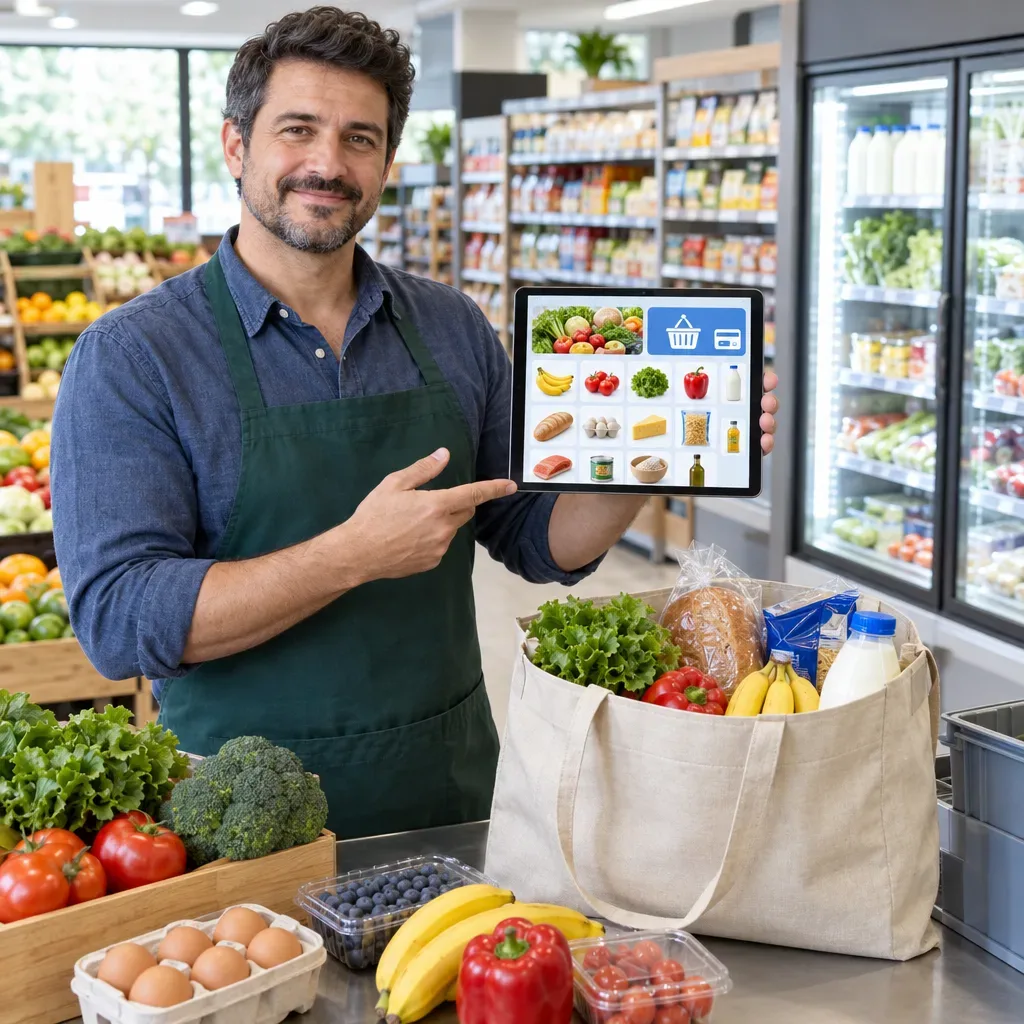
Building an online supermarket website with a shopping cart and payment processing
Your customers want to fill a shopping cart conveniently, choose a delivery time, and pay without coming to the store. To make that possible, your business needs more than a product page: it needs an online store that connects the shopping experience with inventory management, picking, and delivery.
Building an online supermarket website starts with understanding how you work. Whether you run a neighborhood grocery or a food chain with several branches, you can plan the catalog, shopping cart, payment processing, and order management around your business needs and existing systems.
Want to find out what's right for your store? Contact us for a discovery call and a quote based on the scope of your operations, your products, and your service areas.
An online grocery store that fits your business
Selling food online poses unique challenges: fruits and vegetables may be weighed during picking, products may sell out during the day, and some orders require chilled or frozen transport. That is why it is important to plan not only an easy-to-use website but also the processes that begin after the customer places an order.
Depending on the specification and the solution chosen, building an online store for a supermarket can include:
An organized product catalog with search and filtering.
Product pages that show the price, unit of measure, and relevant information.
A shopping cart, payment options, and order management.
Setting delivery zones, delivery times, and delivery fees.
A process for handling missing items and products with variable weight.
Exploring integration with the POS, inventory, or an ERP system.
Not every business needs the same solution. A grocery serving one neighborhood may get by with a relatively simple setup, while a chain with several branches will need to look at availability, picking, and delivery by branch.
A product catalog that helps customers find and choose
The catalog is the heart of the store. A customer looking for milk, pasta, or vegetables needs to find the right product quickly and understand what they are buying. Dividing the store into departments such as fruits and vegetables, dairy, beverages, and pantry makes it easier to find your way around, as do search and filtering by category, brand, and relevant attributes.
Ideally, every product page should include a clear image, name, price, unit of measure, and availability. Depending on the product and legal requirements, you should also consider showing ingredients, allergens, expiry dates, and other information. Consistent descriptions and well-organized images help customers compare products and make the catalog easier to maintain.
It is also important to plan for shopping on a phone: clear add buttons, simple quantity selection, and easy access to the cart make it easier to place an order with many products.
Selling by unit, pack, and weight
When setting up a website for selling food products, it is important to match the sales unit to the product. A bottle is usually sold as a single unit, a six-pack of drinks as a pack, and cheeses or vegetables may be sold by weight. The catalog and shopping cart need to make clear to the customer what they are ordering and how the price is determined.
What happens when the final weight changes?
A product weighed during picking may be packed at a slightly different weight from the one requested. For example, a customer who ordered a kilogram of tomatoes may receive a slightly different amount. That is why it is important to explain in advance how the final price will be calculated, how the difference will be handled, and how the payment will be shown or settled, depending on the payment processing solution and the process chosen.
Show the explanation before the order is confirmed, and check that the policy complies with applicable law. That way the customer knows what to expect and the picking team gets clear instructions.
Shopping cart and payment processing: from selection to payment
A supermarket website with a shopping cart and payment processing should let customers review their order before completing it. It is a good idea to show the products and quantities, prices, active promotions, delivery fees, and the amount due in the cart. If the final amount depends on a weight that will be determined during picking, make this clear. Prices and additional charges should be shown transparently and in accordance with applicable law.
A payment processor enables you to accept credit card payments, and sometimes other payment methods as well. You can consider a secure payment page or tokenization, which may reduce exposure to card details. These solutions do not replace a review of the security obligations and contractual requirements that apply to the business.
In the specification stage, it is worth finding out which payment methods are needed, how refunds and changes to the order amount are handled, and what the payment processor's fees and terms are. That way you can plan the technology and operational processes together.
Inventory, missing items, and customer preferences
Even in a well-run store, a product that was available when the order was placed may sell out before it is picked. It is worth defining in advance what happens in such a case: does the customer allow substitution with a similar product, ask to be contacted, or prefer to have the item removed from the order?
Recording the customer's preference while they shop can help the team act consistently. It is also important to plan how the change will be documented and how the customer will be informed about the substitute product or the final amount.
Integration with the POS and existing systems
Integration with the POS, an inventory system, or an ERP may reduce manual work and allow prices and availability to be updated. The scope of synchronization depends on the existing systems and their integration interfaces. Before choosing a solution, check what data can be transferred, how often it is updated, and how errors are handled.
Even when the site is connected to inventory, you need a process for handling items that sold out between the order and picking. If no suitable integration is available, you can explore another way of updating and define who in the business is responsible for it.
Delivery and pickup: plan according to your operational capacity
The shopping experience doesn't end at payment. The customer needs to know whether their address is in the service area, how much delivery will cost, and when the order is expected to arrive. Depending on the business model, you can also offer store pickup alongside delivery.
When planning your delivery operation, it is worth defining:
Service areas and how addresses are checked.
Delivery fees and additional terms, if any.
Delivery slots and order capacity for each slot.
The time needed for picking and preparing the order.
How the customer is notified of changes or delays.
For products that require refrigeration or freezing, plan the picking, storage, and transport according to the requirements that apply to the type of food and to the business's activity. Delivery slots also need to take into account the capacity of your staff and vehicles, not just what is convenient to show on the website.
How the website setup process works
An organized process connects business needs with the technology solution. The stages and their scope vary by project, but it is usually worth including:
Business and customer specification: Define the product types, number of branches, service areas, picking method, and existing systems.
Shopping experience planning: Plan categories, search, cart, payment, and delivery, including adapting them for mobile.
Catalog preparation: Gather product names, images, prices, units of measure, and any other information required for each product.
Integrations and configuration: Explore integration with a payment processor and relevant systems, and configure delivery, promotions, and order handling.
Testing and launch: Test shopping on different devices, payment, delivery, missing items, and variable weight before opening the site to customers.
Maintenance and improvement: Assign responsibility for catalog updates, support, and troubleshooting, and look at the improvements needed going forward.
Before launch, it is a good idea to place test orders from the shopping stage through to handing them over to the picking team. That way you can identify both website issues and operational questions that did not come up during planning.
How much does it cost to build an online grocery or supermarket website?
The cost depends on the scope of the project: the number of products, how the catalog is prepared, the complexity of the design, the need for external integrations, and the delivery and picking processes. A website for a single grocery may require a different scope of work from a website that serves several branches and syncs with an enterprise system.
When asking for a quote, it is important to also check the ongoing costs and the services that are priced separately:
Hosting, maintenance, updates, and support.
Usage fees for the platform or external services, as needed.
The payment processor's fees and terms.
Setup and maintenance of POS or inventory integrations.
Product entry, photography, or content preparation, if required.
Additional development and changes after launch.
Make sure you know what is included in the quote and who is responsible for each stage. That way you can compare solutions based on your business needs, not just on the initial setup price.
Privacy, accessibility, and purchasing policy
A website that accepts orders usually collects names, addresses, contact details, and purchase data. The handling of this information should be reviewed in light of Israeli privacy and data security law. Amendment 13 to the Protection of Privacy Law came into force in August 2025, and the relevant obligations depend on the nature of the business's activity and its databases.
Accessibility obligations may also apply to a commercial website. It is worth checking whether they apply and which exemptions are relevant, and planning for keyboard navigation, structured forms, and readable content, among other things. A website engaged in distance selling should also review disclosure obligations and transaction cancellation rules, including exceptions that may apply to perishable goods.
The ordering, returns, and cancellation policy should suit the products and the circumstances of the transaction. We recommend reviewing the requirements with suitable professionals; the information here is not a substitute for legal or professional advice.
Frequently asked questions
What features should an online supermarket website include?
We recommend including a catalog with search and filtering, product information, a shopping cart, payment processing, and delivery options. It is also worth planning how to handle missing items and products sold by weight.
How do you sell food products by weight on a website?
Show the sales unit and explain in advance how the final price will be calculated and how the difference between the weight ordered and the weight actually packed will be handled. Coordinate the process with your payment solution and check the applicable requirements.
Can the website be connected to the POS or inventory system?
Such an integration may allow prices and availability to be updated and reduce manual work. The scope of synchronization depends on the existing systems and their integration interfaces, so it is worth checking compatibility during the specification stage.
How much does it cost to set up an online grocery store?
The price depends on the size of the catalog, the integrations required, and the complexity of operations. We recommend asking for a quote that lists setup, maintenance, payment processing, and additional services separately.
Ready to start selling food online?
A successful website starts with planning that takes into account both the shopper and the people who pick, pack, and deliver the order. A clear catalog, a convenient shopping cart, and a defined delivery process create the foundation for a store that fits the way you work.
Contact us for a discovery call and a quote. Tell us about the size of your business, your product types, your existing systems, and your delivery areas, so we can explore the right solution for you.
Whatever your question, the WideCommerce customer service and technical support team is here to give you personal guidance and training in operating the system. The team is available Sunday to Thursday, 09:00–18:00.
Get a quote